червень 14, 2026
Create Stunning Visuals: Your Essential Step-by-Step Guide to Image Generators
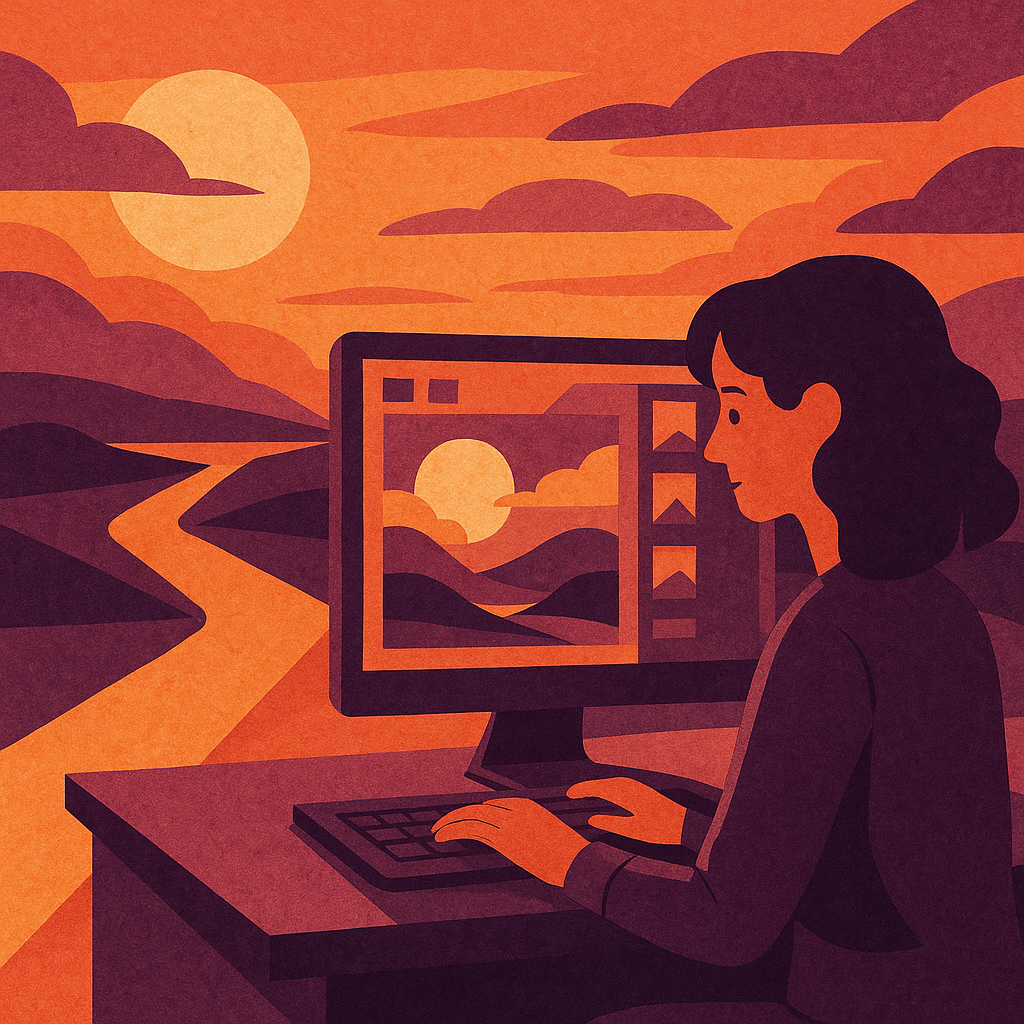
Image Generators
Image generators have become an integral tool for both professionals and hobbyists in the digital age. These powerful platforms allow users to create stunning visuals, be it for social media, marketing campaigns, or personal projects. This practical guide will walk you through the process of using image generators effectively, ensuring you maximise their potential. Here’s a comprehensive step-by-step approach.
Understanding Image Generators
Before diving into how to use image generators, it's essential to understand what they are. Image generators typically leverage artificial intelligence to create images based on user inputs, such as text descriptions or style preferences. They can produce anything from realistic photographs to abstract art pieces and are valuable tools across various fields including graphic design, advertising, and content creation.
Choosing the Right Image Generator
The first step is selecting an image generator that suits your needs. There are numerous options available online; here are some popular choices:
- DALL-E 2: Developed by OpenAI, known for its ability to generate high-quality images from text prompts.
- Midjourney: A platform celebrated for its artistic flair and community-driven approach.
- DeepArt: Utilises neural networks to transform photos into artwork inspired by famous styles.
- Artbreeder: Allows users to blend images and experiment with genetic algorithms for unique creations.
Consider what type of imagery you wish to create: Are you looking for realism or artistry? Is your focus on speed or customisation? Each tool has its strengths and weaknesses; take time to explore a few before settling on one.
Create Your Account
Most image generators require you to create an account before using their services. This process typically involves providing an email address and creating a password. Some platforms may also offer social media logins for convenience. Once registered, verify your account as instructed in the confirmation email sent by the service provider.
Navigating the User Interface
After logging in, familiarise yourself with the user interface (UI). Most image generators have a straightforward layout featuring key areas such as:
- Main Canvas: Where your generated images will appear.
- Input Field: The area where you’ll type prompts or upload images.
- Settings/Options Panel: Customisation features such as style selection or resolution preferences.
Taking time to explore these areas can significantly improve your workflow when generating images.
Crafting Effective Prompts
The success of an image generator hinges largely on the input you provide. Crafting effective prompts is crucial; here’s how to do it:
- Be Specific: Describe exactly what you want. Instead of saying "a dog," specify "a golden retriever playing fetch in a park during sunset."
- Add Adjectives: Use descriptive words that convey mood or style, like "a whimsical cartoon" or "a photorealistic portrait."
- Mood and Style: If you're aiming for a specific artistic style (like Impressionism), mention that in your prompt.
Example: “A cityscape at night in Impressionist style.” - Avoid Ambiguities:If there are multiple interpretations of what you mean—clarify! Instead of saying “an old building,” say “an abandoned Victorian house covered in ivy.”
This attention to detail will yield more relevant results from the generator.
Selecting Settings and Styles
Once your prompt is ready, examine available settings within the image generator’s options panel. Many platforms provide different artistic styles (e.g., realistic, abstract) that can dramatically affect the outcome of your project. Often settings may include resolution choices—higher resolutions may take longer but result in superior quality images suitable for printing or professional use. Adjust these according to your requirements before proceeding with generation.
Your First Image Generation
You’re now ready for your first image generation! After entering your prompt and adjusting settings accordingly, find the “Generate” button (or equivalent). Click it and wait while the AI processes your request—this may take anywhere from seconds to several minutes depending on server load and complexity of input provided.
Sit back and watch creativity unfold! Once completed, review created images critically; observe what aspects align with expectations and where improvements could be made next time around.
If you're not satisfied with initial outputs—don't hesitate! Modify prompts slightly based on previous iterations — this iterative process often leads toward achieving optimal results over time as well as honing skills required for effective usage!
Sourcing Images Responsibly
An important aspect of using generated images is understanding copyright issues associated with them. Some platforms impose restrictions regarding commercial use while others provide broad licenses allowing flexibility in application without additional costs incurred later down line—always ensure clarity about terms before publishing work derived from these sources.
Easily identifiable watermarks might indicate attribution requirements too; check whether credit must be given when sharing created works publicly online via social media channels etcetera!
If unsure about specific usage rights after completing artwork consult respective FAQs section relevant within chosen service's website—even reaching out directly customer support may yield precise information desired!
< strong > Seeking Feedback & Growing Skills < p > As with any skill set development seeking constructive feedback from peers can significantly enhance learning curve involved when utilising new technologies like image generation software! Join forums dedicated discussions around favourite tools share insights techniques tips tricks cultivate collaborations projects alike! Platforms such Discord Reddit boast vibrant communities willing lend expertise advice needed bolster confidence experimenting creatively further down road long term goals pursued successfully achieved! < p > In conclusion,image generators present exciting opportunities enrich creative endeavours cultivate innovative solutions solving visual communication challenges faced across industries today—from budding artists aspiring creators alike everyone benefits leveraging power technology embrace possibilities inspire engage audiences worldwide compelling imagery crafted imagination borne forth sophisticated algorithms working behind scenes!
Recent Posts

Unlocking the Secrets of Работа с Нейросетями: A Step-by-Step Guide to AI Models
червень 14, 2026

Unearthing Hidden Gems in Нейросетями: Essential Tools for AI Model Success
червень 14, 2026
Discover Image Generators: A No-Nonsense Guide for Beginners to Create Amazing A...
червень 14, 2026

Maximum Potential
Отримайте повний досвід із планом Pro
ІНФОРМАЦІЯ