June 11, 2026
Master Image Generators: Your Step-by-Step Guide to Creating Stunning Visuals
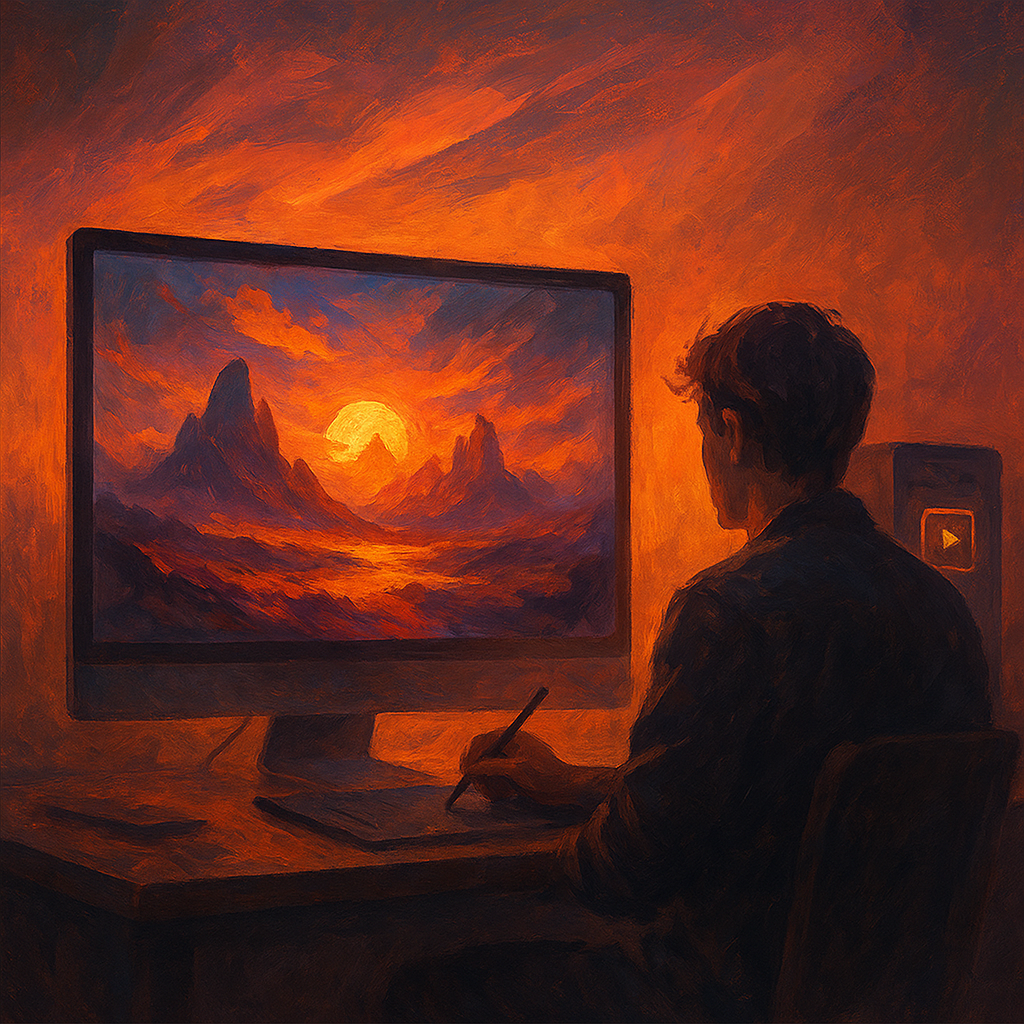
Image Generators
In today’s digital landscape, image generators have emerged as powerful tools for creatives, marketers, and hobbyists alike. These AI-driven platforms can transform simple text prompts into stunning visuals, making them invaluable for projects ranging from social media campaigns to personal art. This practical guide will walk you through the essential steps to effectively use image generators, helping you unlock their full potential.
Understanding Image Generators
Image generators utilize algorithms and machine learning models to create images based on textual descriptions. Leading platforms such as DALL-E, Midjourney, and Stable Diffusion represent some of the most advanced examples in this field. Each of these tools has unique features and capabilities that cater to different needs. Before diving into how to use these generators, it’s critical to choose one that aligns with your specific requirements.
Step 1: Choose Your Image Generator
- DALL-E: Known for its high-quality graphics and versatility, DALL-E allows users to generate detailed images from text prompts easily.
- Midjourney: Ideal for artistic renderings, Midjourney excels in creating stylistic interpretations of inputted phrases.
- Stable Diffusion: This open-source model offers flexibility and customization options for tech-savvy users who want more control over their outputs.
Selecting the right generator depends on your project requirements—whether you need hyper-realistic images or artistic interpretations—and the level of customization you desire.
Step 2: Sign Up or Access the Platform
Most popular image generators require an account for access. Here is how you can get started:
- DALL-E: Visit the OpenAI website and sign up for an account. You may need to wait for an invitation during periods of high demand.
- Midjourney: Join the Midjourney Discord server where you will interact with the generator through chat commands after creating an account.
- Stable Diffusion: You can download Stable Diffusion locally or use a web-based interface like DreamStudio; both require sign-up processes.
This step ensures you have all necessary permissions and capabilities at your disposal before beginning your creative journey.
Step 3: Crafting Your Text Prompt
The key to generating impressive images relies heavily on how descriptive and precise your text prompt is. Here are some tips for writing effective prompts:
- Be Descriptive: Use adjectives that convey details about colors, textures, settings, and emotions. Instead of “a cat,” try “a fluffy orange cat lounging in a sunbeam.”
- Add Context: If applicable, include context or actions to give depth. Instead of “a forest,” consider “a dense forest during autumn with leaves falling.”
- Avoid Ambiguities: Be clear in what you want by avoiding vague terms that might confuse the generator.
Your prompt serves as the blueprint; therefore, investing time in crafting it can significantly enhance your results.
Step 4: Generating Images
Once your prompt is ready, it’s time to generate your image. Here’s how this process differs across various platforms:
- DALL-E: Enter your prompt into the provided input box on the interface and click ‘Generate.’ The system will take a few moments to produce several options based on your description.
- Midjourney: In Discord's chat channel designated for image generation (often labeled #newbies), type /imagine followed by your prompt. The bot will then respond with generated images in approximately one minute.
- Stable Diffusion:If using DreamStudio or a similar platform online, input your text into the designated field and initiate generation. Depending on server load, wait times may vary slightly.
This is where anticipation meets creativity as you await visual outcomes based on your crafted narrative!
Step 5: Review & Refine Your Results
- If colors are off: Specify desired color schemes or shades explicitly in future prompts.
- If composition seems lacking: Add more contextual elements or modify settings described within your prompt.
This iterative process allows you to hone in on exactly what you're looking for while also enhancing understanding of how different word choices affect outcomes.
Troubleshooting Common Issues
- Lack of Detail in Generated Images:
- Tighten up language; provide specific attributes related directly tied back toward adjectives used earlier.
- Mismatches between Expectation & Reality:
- Simplify prompts initially; start basic before building complexity incrementally over multiple attempts.
This guide has outlined essential steps—from choosing an image generator through generating compelling artwork—to enhance creative output effectively using AI technology available today! With practice comes proficiency; embrace experimentation without fear—you never know what masterpieces might emerge!
Cautionary Note Regarding Usage Rights
Please keep in mind copyright considerations when utilizing generated imagery commercially; familiarize yourself with relevant licensing agreements listed by respective platforms thus ensuring proper compliance now & beyond! Various restrictions may apply depending upon chosen tool-such diligence protects creators’ original works whilst allowing innovation flourish within bounds set forth legally!
Cultivating familiarity alongside confidence utilizing image generators not only expands creative avenues but also opens doors toward engaging storytelling techniques throughout various mediums! Enjoy exploring limitless possibilities while shaping visually dynamic narratives through sophisticated technologies current era presents—all rooted firmly grounded into captivating exchanges occurring daily across digital realms worldwide!”
Recent Posts

Breakthrough in Neural Networks: How New AI Models Revolutionize Global Tech
June 16, 2026
Head-to-Head: Comparing Neural Network Models and Their Impact on AI Work Today
June 16, 2026
New Breakthrough in Image Generators Promises to Revolutionize Artistic Expressi...
June 16, 2026

Maximum Potential
Get the full experience with Pro Plan
INFORMATION