May 15, 2026
Mastering Image Generators: A Step-by-Step Guide to Create Stunning Visuals
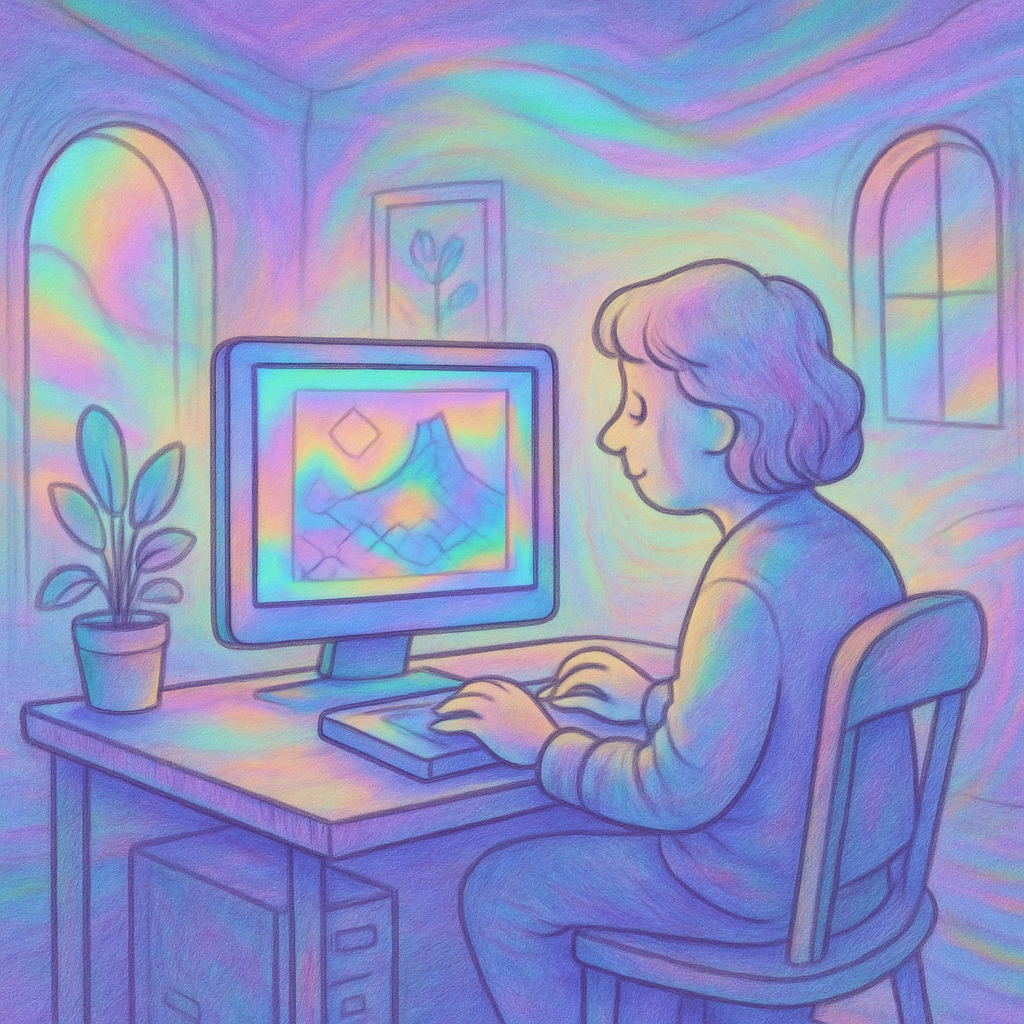
Image Generators
Image generators have revolutionized the way we create and manipulate images in the digital age. With advancements in artificial intelligence, these tools can generate stunning visuals from simple text prompts or enhance existing images with a level of detail that was previously unimaginable. Whether you’re an artist looking to expand your creative toolkit, a marketer aiming to create eye-catching social media content, or simply someone curious about technology, image generators offer endless possibilities. This guide provides a practical, step-by-step approach to getting started with these powerful tools.
Understanding Image Generators
Before diving into the how-to's, it’s important to understand what an image generator is and how it works. Most image generators utilize deep learning models trained on vast datasets of images and their corresponding descriptions. By analyzing patterns in this data, these models learn to create new images based on user inputs. Common applications include generating artwork, creating marketing materials, and even crafting unique designs for products.
Choosing the Right Image Generator
The first step in leveraging image generators is selecting the right one for your needs. Several options are available, each with its strengths and weaknesses:
- DALL-E 2: Developed by OpenAI, DALL-E 2 can create realistic images from text prompts and even edit existing images.
- Midjourney: Known for its artistic flair, Midjourney excels at creating stylized illustrations based on user input.
- Stable Diffusion: A versatile open-source model that allows for detailed customization and integration into various applications.
- Craiyon (formerly DALL-E Mini): A simplified version of DALL-E that provides quick results but with less detail.
Selecting the right generator depends on your goals: if you need high-quality imagery for professional use, consider DALL-E 2 or Midjourney. For experimentation and personal projects, Craiyon or Stable Diffusion might be more suitable.
Step-by-Step Guide to Creating Images
This section outlines a straightforward process for generating images using an image generator of your choice.
Step 1: Sign Up or Access the Tool
If you choose a web-based service like DALL-E 2 or Midjourney, start by signing up for an account. Some tools might offer limited free usage; others may require a subscription for access to advanced features.
Step 2: Familiarize Yourself with the Interface
Step 3: Crafting Your Prompt
The quality of output from an image generator often hinges on how well you articulate your ideas through prompts. Here are some tips:
- Be Specific: Instead of "a cat," try "a fluffy white Persian cat sitting on a colorful rug."
- Add Style Details: Mention if you want something photorealistic, cartoonish, abstract, etc.
- Specify Backgrounds: Including requests about backgrounds can provide context—e.g., "in a sunny garden" adds depth.
- Simplify Language: Use clear language; avoid overly complex sentences that could confuse the AI.
A well-crafted prompt can make all the difference between a mediocre image and one you'll want to showcase!
Step 4: Generating Your Image
Input your chosen prompt into the designated area and initiate the generation process. Depending on server load or complexity of requests, this may take anywhere from seconds to minutes. Be patient while waiting!
You may receive multiple variations of your request; review them carefully to determine which aligns best with your vision.
Step 5: Refining Your Output
If you're not satisfied with the initial results:
- Tweak your prompt by adding more specific descriptors or removing elements that didn’t yield desirable results.
- You can also experiment with different settings if available—some platforms allow adjustments in style parameters like color palette and mood.
This iterative process is crucial in honing down what exactly works best within each tool's framework. Don't hesitate to try multiple variations!
Saving and Sharing Your Creations
The final step involves saving your favorite images as high-resolution files while checking licensing agreements for each platform regarding use rights—especially important if you plan to utilize generated content commercially. Most platforms will allow easy downloads directly after creation but familiarize yourself with any potential limitations attached based on usage type (personal vs commercial).
You might also find social sharing options integrated within these services enabling quick dissemination across dozens of channels straight from their platforms!
Troubleshooting Common Issues
If you encounter problems while using image generators:
- If outputs seem off-base or low-quality; refine prompts repeatedly until clarity emerges—sometimes simpler is better!
- Lack of access? Verify internet connections plus account status (free tier limits often apply).
- If encountering technical glitches during tool operation—refresh pages/explore forums/community inquiries where similar issues were raised before contacting support lines directly when necessary!
Recent Posts
Breakthrough in Neural Networks: How New AI Models Revolutionize Global Tech
June 16, 2026
Head-to-Head: Comparing Neural Network Models and Their Impact on AI Work Today
June 16, 2026
New Breakthrough in Image Generators Promises to Revolutionize Artistic Expressi...
June 16, 2026
Maximum Potential
Get the full experience with Pro Plan
INFORMATION