May 23, 2026
Transform Your Vision: A Practical Step-by-Step Guide to Using Image Generators
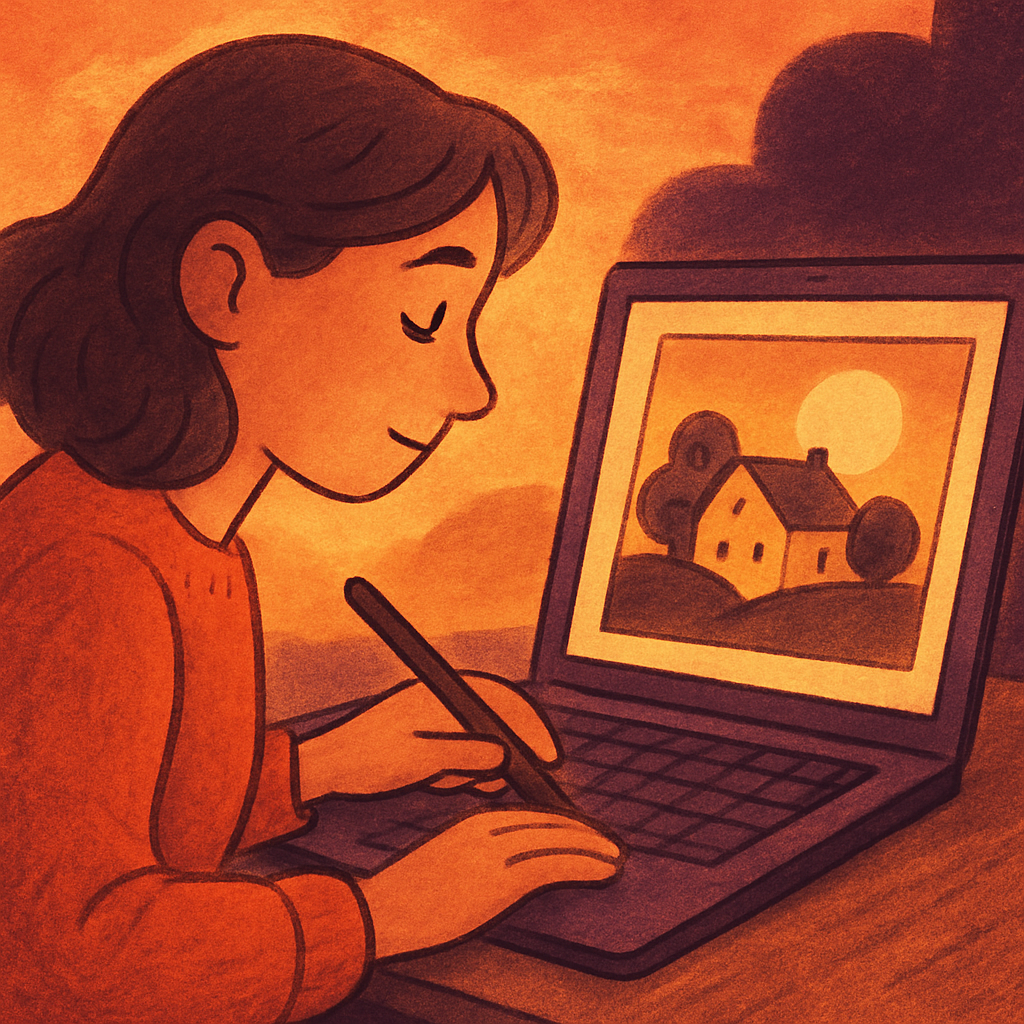
Image Generators
Image generators, powered by artificial intelligence, have rapidly transformed the digital landscape. These tools allow users to create stunning visuals from simple prompts, making them invaluable for artists, marketers, and content creators. This comprehensive guide will walk you through the process of using image generators effectively, offering step-by-step advice to turn your ideas into captivating images.
1. Understanding Image Generators
Image generators utilize algorithms and deep learning models to produce images based on textual descriptions provided by users. Popular platforms like DALL-E, Midjourney, and Stable Diffusion have made it easier than ever to generate unique art pieces or illustrations without advanced design skills.
2. Choosing the Right Image Generator
Before diving in, it's essential to choose the right platform that fits your needs:
- DALL-E 2: Developed by OpenAI, this tool specializes in generating realistic images from detailed prompts.
- Midjourney: Ideal for artistic and stylized imagery; it's popular among creatives looking for surreal visuals.
- Stable Diffusion: An open-source model that allows for extensive customization and flexibility in image generation tasks.
Take time to explore different platforms through their websites or community forums to find one that resonates with your creative vision.
3. Crafting Effective Prompts
The quality of the output heavily relies on how well you craft your prompts. Here’s a straightforward approach:
- Be Specific: Include detailed descriptions—colors, settings, characters—anything that helps clarify your vision.
- Add Style References: Mention artistic styles (e.g., “inspired by Van Gogh”) or elements (like “a watercolor painting”) for more tailored results.
- Avoid Ambiguity: The clearer your instructions, the better the generator can understand what you want.
A sample prompt could look like: “A whimsical forest scene with glowing mushrooms in a bright moonlight setting, illustrated in a fantasy art style.”
4. Step-by-Step Guide to Using an Image Generator
The following steps provide a structured approach to harnessing an image generator effectively:
- Create an Account: Most image generators require you to sign up or log in before use. Follow the prompts on their website to create an account if needed.
- Select Your Preferences: Some platforms allow you to set preferences regarding output size or style before generating images.
- Craft Your Prompt: Based on the tips provided earlier, write a clear and descriptive prompt tailored to what you envision.
- Edit Options (if available): Some tools offer options such as refining images post-generation or adjusting parameters like creativity levels; utilize these features if applicable.
- Generate the Image: Click the ‘Generate’ button and wait for your creation! Depending on traffic and processing power, this may take anywhere from seconds to a few minutes.
- SAVE Your Creation: Once satisfied with the generated image, download it using provided options. Make sure to check any licensing requirements associated with use.
This process ensures not only efficient use of image generators but also maximizes creativity while allowing room for adjustments after initial outputs are received.
5. Tips for Enhancing Your Images Post-Creation
Your journey doesn’t end once you’ve generated an image. Here are several suggestions for refining your visual creations further:
- Edit with Photo Editing Software: Use programs like Adobe Photoshop or GIMP to touch up your images—adjust brightness, contrast, or remove unwanted elements.
- Add Textures and Overlays:If your generator produces basic imagery, consider adding layers of textures or filters for depth and interest. < p > < strong > Consider Feedback: Share your created images with peers or online communities for constructive feedback before finalizing them.< / p > < p >< strong > 6. Ethical Considerations: < p > As exciting as these technologies are , users must remain aware of ethical implications surrounding AI-generated artwork . Ensure copyright laws are followed , especially if incorporating these creations into commercial projects . Regularly review platform guidelines about usage rights and ensure respect towards original art styles being emulated . < p >< strong > Q & A Section: < p >< strong > Q1: Can I sell images created using AI tools? < p > A1: While many platforms grant usage rights , selling AI-generated artwork might depend on specific terms set by each service provider . Always verify policies beforehand . < p >< strong > Q2: What happens if I receive low-quality output? < p > A2: If outcomes aren’t satisfactory , modify your prompt with clearer details or try another platform known for producing higher-quality work . Experimentation is key! < p >< strong > Q3: Are there limits on how many images I can generate? < p > A3: Most services may impose daily limitations unless you subscribe within paid tiers granting additional access ; always familiarize yourself with usage caps before starting extensive projects! If you're eager about refining your skills further , participate actively within community forums where ongoing discussions unfold about best practices tailored specifically around these innovative tools !
Recent Posts
Breakthrough in Neural Networks: How New AI Models Revolutionize Global Tech
June 16, 2026
Head-to-Head: Comparing Neural Network Models and Their Impact on AI Work Today
June 16, 2026
New Breakthrough in Image Generators Promises to Revolutionize Artistic Expressi...
June 16, 2026
Maximum Potential
Get the full experience with Pro Plan
INFORMATION