червень 3, 2026
Unlock Your Creativity: A Step-by-Step Guide to Mastering Image Generators
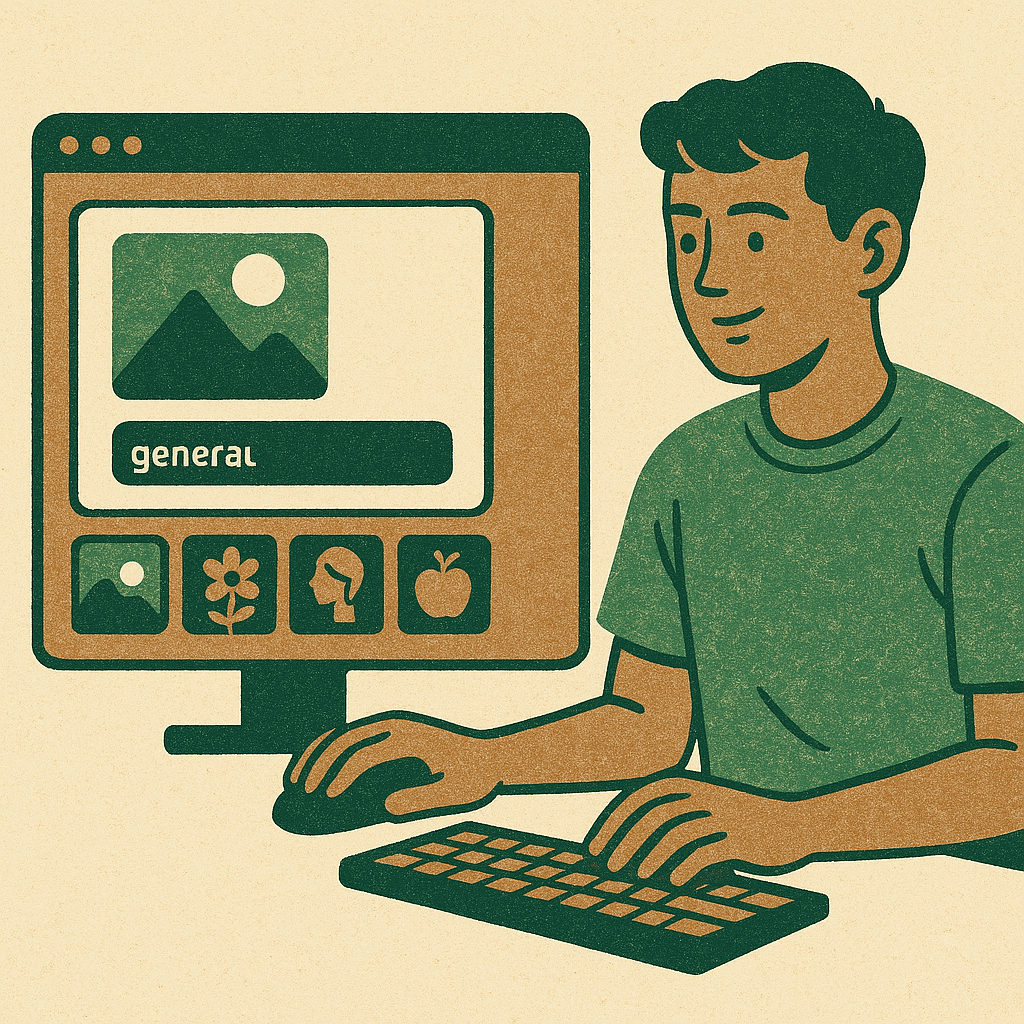
Image Generators
In recent years, image generators powered by artificial intelligence (AI) have revolutionised the way individuals and businesses approach creativity. Whether you’re a graphic designer looking for inspiration, a social media manager in need of eye-catching visuals, or simply someone wanting to create personalised art, AI image generators can be incredibly useful. This practical guide outlines how to effectively use these tools, providing step-by-step advice to help you navigate the exciting world of AI-generated imagery.
1. Understanding Image Generators
Image generators use complex algorithms and neural networks to produce images based on text prompts or specific parameters. The technology has advanced significantly in recent years, allowing users to create high-quality images that can range from photorealistic to abstract art. Popular platforms include DALL-E 2 by OpenAI, Midjourney, and Stable Diffusion. Each platform has its own unique features and capabilities, so it’s essential to choose one that fits your needs.
2. Choosing the Right Tool
Before diving into image generation, consider the following factors when selecting an AI tool:
- User Interface: Look for a platform with an intuitive interface that suits your comfort level.
- Output Quality: Different generators excel in various styles; some may produce better realism while others shine in artistic interpretation.
- Cost: Many image generators offer free trials or subscriptions with different tiers, so assess your budget before committing.
- Community and Support: A robust community can provide tutorials and support as you learn how to use the tool effectively.
3. Getting Started: Step-by-Step Guide
Once you’ve chosen your image generator, follow these steps to begin creating stunning images:
Step 1: Create an Account
If the platform requires registration, sign up for an account using your email address. Some services also allow sign-up through social media accounts for quicker access.
Step 2: Familiarise Yourself with the Dashboard
The dashboard is where you’ll input prompts and view generated images. Spend some time exploring available features like filters or settings that may enhance your creative output.
Step 3: Formulate Your Prompt
Your prompt is vital as it guides the image generator in creating visuals aligned with your vision. Here are some tips for crafting effective prompts:
- Be Specific: Instead of saying “dog,” try “a happy golden retriever playing in a sunny park.” The more detail you provide, the better.
- Add Style Descriptors: Include terms like “watercolour” or “photorealistic” to direct the style of the image you're after.
- Mood and Atmosphere:Add descriptors such as “mysterious” or “cheerful” to set the tone of your image creation.
Step 4: Adjust Settings (if applicable)
If your chosen generator allows for custom settings—such as aspect ratio or resolution—adjust these parameters before generating images. Ensure they align with your intended use (for example, social media posts may require different dimensions than print media).
Step 5: Generate Your Image
Select the generate button! Depending on the complexity of your prompt and server loads, this process could take anywhere from a few seconds to several minutes. Be patient!
Step 6: Review and Refine
Your initial result might not fully match your expectations; this is common due to varying interpretations by AI algorithms. If necessary, tweak your prompt based on what’s been generated—for instance, adding more detail or changing stylistic elements—and regenerate until satisfied with the outcome.
4. Saving and Sharing Your Images
If you’re pleased with your creation(s), most platforms will offer options to download them directly onto your device. Be mindful of any copyright restrictions associated with using these images commercially—some platforms retain rights over generated content while others allow full ownership upon creation inclusive of modification rights.
If you intend for broader audiences to see your work online (i.e., social media or blogs), check each platform's sharing capabilities or directly share from their interface if available—this feature often fosters community engagement within creative circles.
5. Best Practices for Using Image Generators Responsibly
- Acknowledge Originality:Ponder on perspectives surrounding originality—the line between human creativity versus algorithmic assistance can raise ethical discussions about authorship in digital art spaces.
- Avoid Infringing Content:If generating images inspired by real people or intellectual property (e.g., famous characters), proceed cautiously; ensure compliance with usage guidelines provided by each service used wherever possible!
This strategy ensures both respect towards creators’ rights while enhancing personal expression through innovative technological approaches available today!
This comprehensive guide should empower you not only to experiment but also harness cutting-edge creativity offered by modern tools without feeling overwhelmed! Remember always—to enjoy this exploration into artistic possibilities—and let imagination take flight!
This new dimension presents unique opportunities at each turn; embrace every moment spent navigating its boundless potential!
Recent Posts
Head-to-Head: Comparing Top AI Models in Работа с Нейросетями and Their Impact
червень 16, 2026

Debunking Myths: The Realities of Работа с Нейросетями and AI Models Today
червень 16, 2026
Unlocking Creativity: A Simple Guide to Using Image Generators for Beginners
червень 16, 2026
Maximum Potential
Отримайте повний досвід із планом Pro
ІНФОРМАЦІЯ